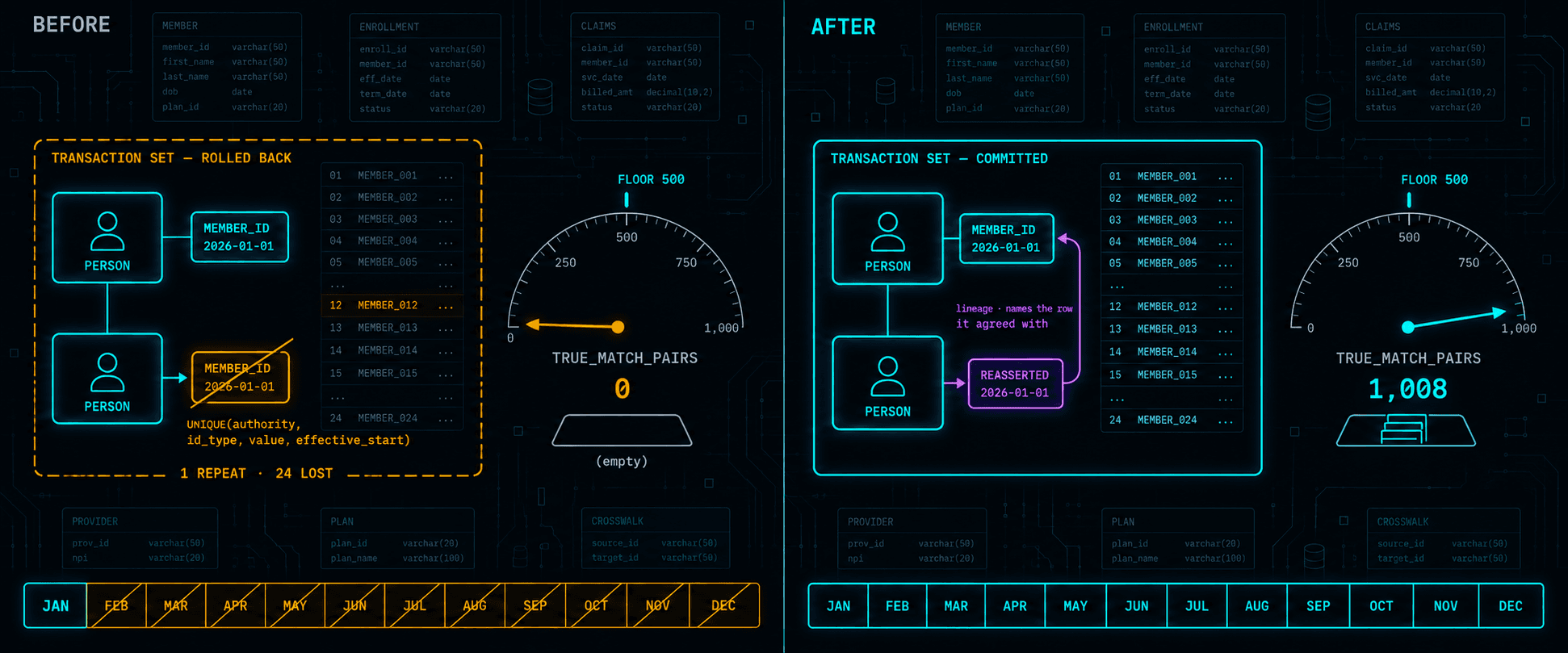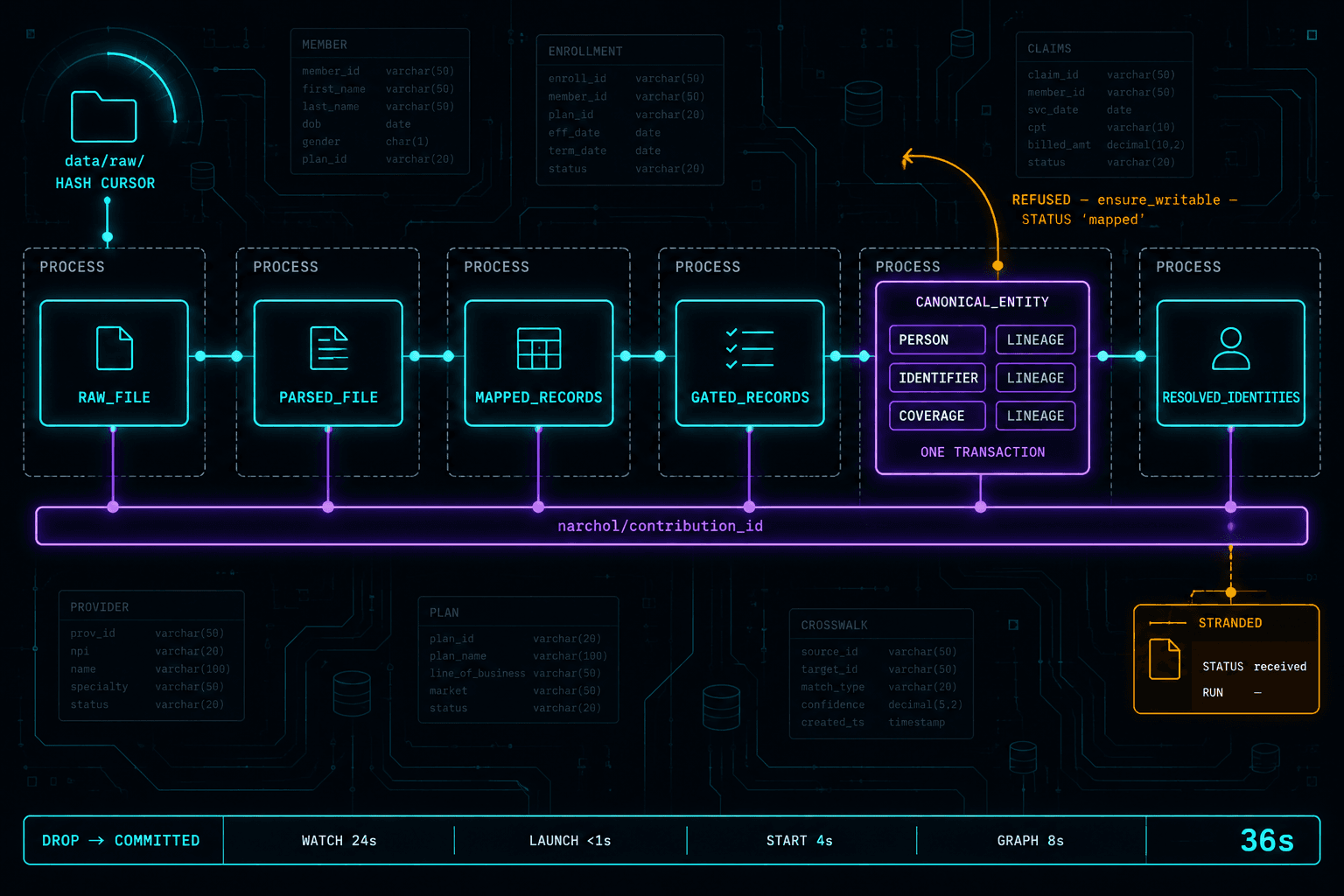
The failover script existed. It had been written eight months earlier by a senior engineer who'd since left the company. It was documented in the runbook — step four of seven, right between "verify standby replication lag" and "update DNS weighted routing." It had been tested once, in staging, on a quiet Thursday afternoon. Everyone on the team knew it was there.
When the primary database in US-East went down — a cascading failure triggered by a storage controller issue on the underlying hardware — the on-call engineer pulled up the runbook, found the failover script, and executed it. The script connected to the standby in US-West, promoted it to primary, and updated the connection strings in the configuration service.
It worked perfectly. For about forty-five seconds.
The connection pools in the application tier hadn't been configured to respect the new primary. They were holding open connections to the old host, which was now unreachable. The connection pool timeout was set to the default — thirty minutes. The application instances weren't crashing; they were hanging, waiting for connections that would never return. The health checks — which only verified that the process was alive, not that it could serve requests — kept reporting healthy.
The load balancer kept routing traffic to instances that looked healthy but couldn't process anything. The actual recovery took another ninety minutes of manually cycling every application instance, because a rolling restart would have left zero healthy instances during the transition.
I was the architect who'd signed off on that system's design. The database failover was solid. The application layer's relationship to the database was a blind spot I hadn't examined. The health checks were a blind spot I'd dismissed as "good enough."
Two hours of downtime because resilience is a system property, not a component property. You don't get credit for the parts that work. The system fails at its weakest interaction, not at its weakest component.
In Part 1, we introduced five forces that shape every architecture decision. This article is where the third force — failure modes — gets its full treatment. Designing for failure isn't pessimism. It's the most practical thing an architect can do.
The Resilience Checklist
Before we get into patterns, here's a checklist I use on every system I design. It's concrete, it's testable, and every item maps to an incident I've either experienced or reviewed.
| # | Question | What "Yes" Looks Like | What "No" Costs You |
|---|---|---|---|
| 1 | Can any single instance die without user impact? | Load balancer drains connections, remaining instances absorb traffic | Partial or full outage for the duration of restart |
| 2 | Can the primary database fail over without application changes? | Connection string via service discovery or config service; app reconnects automatically | Manual restart of all app instances (the incident I described above) |
| 3 | Do health checks verify the app can serve requests? | Checks hit a /health endpoint that tests DB connection, cache connection, and responds within 200ms | Load balancer routes to zombie instances that accept connections but can't process them |
| 4 | Is every external call wrapped in a timeout? | HTTP client timeout of 3-5s; database query timeout of 10-30s; message queue publish timeout of 5s | One slow dependency cascades into full system freeze |
| 5 | Can you deploy without downtime? | Blue-green or rolling deployment with health check gates | Deployment window = downtime window |
| 6 | Can you roll back in under 60 seconds? | Previous version still running (blue-green) or container image tagged and ready | "Redeploy the previous version" — 5-15 minutes if nothing goes wrong |
| 7 | Do you know your RTO and RPO? | Written down, agreed with business, tested quarterly | Engineering guesses, business surprises, post-incident arguments |
| 8 | Have you tested failover under load in the last 90 days? | Scheduled chaos testing with documented results | Untested failover = untested hope |
If you can answer "yes" to all eight, your system is more resilient than 90 percent of what's running in production today. If you can't, you now know exactly where to invest.
Redundancy Patterns: A Decision Matrix
Redundancy is the easiest part of high availability to buy and the hardest part to make work. You can spin up a second database instance, a backup region, a hot standby — the cloud providers make this trivially easy. The hard part is knowing exactly what happens during the switchover.
I've worked with three patterns extensively. Each makes different tradeoffs across the five forces, and the right choice depends on your constraints.
| Pattern | How It Works | RTO | Data Risk | Complexity | Best For |
|---|---|---|---|---|---|
| Active-Passive | One region serves traffic; standby receives replicated data but doesn't serve requests. Failover promotes standby. | 1-5 min (automated) to 30 min (manual) | Async replication: seconds of data loss. Sync: zero. | Low-Medium | Most systems. Start here. |
| Active-Active (read) | Both regions serve read traffic from local replicas. Writes route to a single primary region. | Near-zero for reads. 1-5 min for write failover. | Write lag between regions (typically 50-200ms) | Medium | Geo-distributed users, read-heavy workloads |
| Active-Active (full) | Both regions handle reads and writes independently. Conflict resolution required. | Near-zero | Conflict resolution can lose or duplicate writes | High | Global systems where latency to a single region is unacceptable |
The pattern I recommend most teams start with is active-passive with automated failover. It's the simplest to reason about, the cheapest to operate, and it eliminates the hardest problem in distributed systems — conflict resolution. You can always evolve to active-active for reads when your user base becomes genuinely global. Moving in the other direction — from active-active back to active-passive because the conflict resolution is too complex — is a painful migration nobody wants to fund.
Here's the concrete implementation. Your primary runs in US-East with synchronous replication to a hot standby in the same region (zero data loss). An async replica in EU-West serves read traffic for European users. If US-East goes down:
- DNS health check detects failure (30-60 seconds)
- EU-West replica is promoted to primary (10-30 seconds)
- Application instances reconnect via service discovery (immediate if configured correctly, ninety minutes if you make the mistake I described in the opener)
- Total RTO: 1-3 minutes automated, with seconds of data loss from async replication lag
The difference between "1-3 minutes" and "two hours" is entirely in step 3 — whether your application tier can follow the database failover without human intervention.
Connection Management: The Details That Save You
That incident I opened with — the one where the failover worked but the application didn't follow — came down to connection pool configuration. It's the most mundane, least glamorous part of system architecture, and it's responsible for more outages than any exotic failure mode.
Here are the specific settings that matter, with concrete values:
Connection pool size. For a typical web application with a Postgres database, start with max_pool_size = 20 per application instance. If you have 5 instances, that's 100 connections to the database. Postgres handles 200-300 concurrent connections comfortably; beyond that, use PgBouncer or PgCat as a connection pooler in front of the database.
Connection timeout. Set connection_timeout = 5s. If the application can't get a database connection in 5 seconds, the database is either down or saturated — waiting longer won't help. Fail fast, return an error, let the retry logic or circuit breaker handle it.
Idle connection timeout. Set idle_timeout = 300s (5 minutes). Connections sitting idle for longer than this should be closed and returned to the pool. This prevents the "stale connection to a dead host" problem from the opener.
Connection max lifetime. Set max_lifetime = 1800s (30 minutes). Even active connections should be recycled periodically. This ensures that after a failover, all connections will naturally rotate to the new primary within 30 minutes — even without a restart. Combined with a 5-second connection timeout, the application will fail fast on stale connections and reconnect to the new host.
Validation query. Configure SELECT 1 as the validation query, run before each checkout from the pool. This adds ~1ms of latency but catches dead connections before they're handed to application code. Some pool libraries call this "test on borrow."
The combination that would have prevented my two-hour outage: idle_timeout = 300s, max_lifetime = 1800s, and a validation query on checkout. Total implementation time: changing four configuration values. Total time saved during the incident: approximately ninety minutes.
Circuit Breakers, Timeouts, and Bulkheads
These three patterns form the defensive toolkit for any system that calls external dependencies — which is every system.
Timeouts are the foundation. Every external call — HTTP request, database query, cache lookup, message publish — needs a timeout. Without one, a slow dependency doesn't just affect its own functionality. It holds a thread, which holds a connection, which holds a slot in the pool, and when the pool is exhausted, the entire application freezes. One slow dependency becomes a full outage.
Concrete values I use as starting points:
- HTTP calls to internal services: 3 seconds
- HTTP calls to external APIs: 5 seconds
- Database queries (OLTP): 10 seconds
- Database queries (reporting): 60 seconds (separate connection pool)
- Cache reads (Redis): 500 milliseconds
- Message queue publish: 5 seconds
- LLM / model API calls: 10-15 seconds (these are slow by nature; circuit-break aggressively)
These aren't universal — adjust based on your P99 latencies. The principle is: set the timeout at 3-5x your normal P99. If your cache normally responds in 2ms and you set the timeout at 500ms, a response at 500ms is catastrophically slow and you should fail fast rather than wait.
Circuit breakers build on timeouts. When a dependency starts failing — returning errors or timing out repeatedly — the circuit breaker "opens" and stops sending requests entirely. Instead of each request waiting for the timeout, the circuit breaker fails immediately with a known error.
The implementation pattern:
Concrete settings: trip after 5 failures in 30 seconds, stay open for 30 seconds, then allow one test request. If it succeeds, close the circuit. If it fails, stay open for another 30 seconds.
Bulkheads isolate resources so that one failing path can't exhaust resources needed by healthy paths. The name comes from ship design — watertight compartments that prevent a breach in one section from flooding the entire vessel.
In practice, this means separate connection pools for separate concerns:
- Critical path (checkout, payment): dedicated pool of 10 connections, timeout 5s
- Standard path (browsing, search): dedicated pool of 15 connections, timeout 10s
- Background jobs (reports, analytics): dedicated pool of 5 connections, timeout 60s
If a reporting query runs wild and exhausts its pool, checkout still works because it has its own pool. Without bulkheads, one expensive analytics query can consume every available connection and bring down the entire application.
Immutable Deployments
There's a pattern in incident post-mortems that shows up often enough to be a rule: the server that failed was the one with the most manual changes applied to it over the longest period of time.
Configuration drift — the gradual accumulation of ad-hoc changes, hotfixes applied directly to production, packages updated on one instance but not others — is the enemy of reliability. Immutable infrastructure eliminates drift by eliminating mutation. Instead of updating a running server, you build a new image with the desired state and replace the old instance entirely.
Two deployment patterns that implement this:
Blue-green deployments. Run two identical environments. Blue is live, green is idle. Deploy the new version to green. Run smoke tests. Switch traffic from blue to green. If something goes wrong, switch back — blue is still running, unchanged. Rollback takes seconds.
Canary deployments. Route 5 percent of traffic to the new version. Monitor error rates, latency percentiles, and business metrics for 15-30 minutes. If metrics hold, expand to 25 percent, then 50 percent, then 100 percent. If metrics degrade at any stage, roll back the canary — 95 percent of users never saw the bad version.
AI-driven canary analysis is one of the genuinely useful applications of ML in operations. Instead of a human watching dashboards during a canary rollout, an ML model compares the canary's metrics against the baseline and flags statistically significant deviations. The model catches the subtle regressions — a 3 percent increase in P99 latency, a 0.5 percent uptick in a specific error code — that a tired engineer at 2 AM might miss.
The broader principle: reproducibility is reliability. If you can rebuild any component of your system from scratch — from a container image, a Terraform definition, a database snapshot — then no single failure is permanent. The teams that recover fastest from incidents are the ones where "rebuild from scratch" is a routine operation, not an emergency procedure.
Coupling and Blast Radius
Coupling determines blast radius — how much of the system breaks when one component fails. This is the architectural decision that matters most for resilience and the one teams most often get wrong by accident.
The spectrum matters because each step to the right reduces blast radius but adds complexity — and complexity is the fifth force (operational cost) pushing back. The right position on this spectrum depends on your failure tolerance and your team's capacity to operate what you build.
Tight coupling means services share state directly. Service A queries service B's database tables. A schema change in B breaks A. A slow query in A's workload affects B's performance. The blast radius of any failure is total — everything is connected to everything.
Loose coupling means services interact through defined contracts. Service A calls service B's API. If B goes down, A gets an error and can degrade gracefully — show cached data, queue the request for retry, display a message to the user. The blast radius is contained to the interaction, not the entire system.
Event-driven coupling means services don't call each other at all. Service A publishes an event ("order placed"). Service B subscribes and processes it asynchronously. If B goes down, the events queue up and B processes them when it recovers. The blast radius of B's failure is zero for service A — A doesn't even know B exists.
Here's how I decide where on the spectrum to sit:
| Signal | Points Toward Tighter Coupling | Points Toward Looser Coupling |
|---|---|---|
| Team size | Small team (under 10), single codebase | Multiple teams, separate codebases |
| Consistency requirement | Strong consistency needed (payments, inventory) | Eventual consistency acceptable (notifications, analytics) |
| Latency sensitivity | Synchronous response required (user-facing) | Async processing acceptable (background jobs) |
| Failure tolerance | System can tolerate brief full outages | Individual feature degradation preferred over full outage |
| Operational capacity | Small ops team, limited monitoring | Dedicated platform team, mature observability |
Most teams early in their lifecycle should sit in the "loose coupling" middle — API contracts with timeouts and circuit breakers. It gives you contained blast radius without the operational overhead of event-driven architecture. You can always move right on the spectrum as the team and system grow.
Observability as Architecture
A system that can't be observed can't be operated. A system that can't be operated can't be trusted. Observability isn't a feature you add after the architecture is done — it's a property of the architecture itself, and it should be designed in from the start.
The three pillars work together because each answers a question the others can't:
Logs tell you what happened. "User 12345 payment failed: card declined at gateway, response code 05, latency 234ms." Structured logs (JSON) with consistent fields (request_id, user_id, service, operation, duration_ms, status) are searchable and correlatable. Unstructured logs ("Something went wrong") are noise.
Metrics tell you whether it's normal. Your error rate is 2.3 percent — is that bad? If the baseline is 0.1 percent, yes. If it's Black Friday and the baseline is 2.0 percent, probably not. Metrics give you the baseline. Key metrics to track on every service:
- Request rate (requests/second) — traffic volume
- Error rate (percent 5xx) — reliability
- Latency P50, P95, P99 — user experience
- Saturation (connection pool usage, CPU, memory) — capacity headroom
Traces tell you where the time went. A request took 800ms — but which service? Which database query? Distributed tracing follows a request across services, showing you the exact waterfall of calls and where the latency accumulated. Without traces, you see the symptom (slow response) but not the cause (service C's database query took 600ms because it's missing an index).
AI observability copilots are becoming the natural extension of this. Instead of a human correlating a latency spike with a deployment event, a memory pressure increase, and a change in query patterns, an AI copilot surfaces the correlation instantly: "Latency increased 40% at 14:32. Deployment of order-service v2.3.1 at 14:30 introduced a new query pattern on orders.customer_id — missing index." The investigation that takes a human thirty minutes takes seconds.
If your health check returns 200 OK when the database connection is dead, your load balancer will route traffic to instances that can't serve requests. A health check should verify: (1) database connection is alive, (2) cache connection is alive, (3) response time is under 200ms. If any check fails, return 503. Let the load balancer do its job.
Resilience in the AI Age
Every section above was written with traditional request-response systems in mind — a user clicks, the system responds, the circuit breaker protects the path between them. In 2026, there's a new category of caller that breaks the assumptions those patterns were built on.
AI agents don't behave like users. A human who gets a 500 error reads the message, waits, and tries again in a few minutes. An AI agent that gets a 500 error retries immediately — often with exponential backoff if you're lucky, without any backoff if you're not. An agent orchestrating a multi-step workflow might have ten parallel tool calls in flight, each with its own retry logic. I've seen a single AI agent generate more retry traffic during a partial outage than the entire human user base combined. Your rate limiters and circuit breakers need to account for this. Set per-client rate limits that distinguish between human sessions and API keys used by agents. Treat agent traffic as a separate bulkhead with its own connection pool and its own circuit breaker thresholds.
Your model provider is a dependency you need to circuit-break. If your application calls an LLM for classification, summarization, or generation, that model provider is an external dependency with its own failure modes — rate limits, latency spikes, full outages. The same patterns apply: timeout at 10-15 seconds for model calls, circuit breaker that trips after 3 timeouts in 60 seconds, and a fallback strategy. What's your fallback? Cached responses for common queries. A smaller, faster local model for degraded-but-functional responses. Graceful degradation to non-AI functionality — show the user the raw data instead of the AI summary. The systems that handle model provider outages well are the ones that designed the AI capability as an enhancement, not a hard dependency.
Self-healing is moving from aspiration to practice. AI-driven remediation — systems that detect anomalies and act without waiting for a human — is becoming viable for a specific category of actions: scaling up instances when traffic spikes, rolling back a canary deployment when metrics degrade, rerouting traffic away from an unhealthy region. The trust boundary matters here. Auto-scaling is low risk — the worst case is overspending. Auto-rollback of a canary is medium risk — you lose the deployment but protect users. Auto-modifying database configurations is high risk — the blast radius of a wrong decision is too large for autonomous action. The principle: give AI autonomy proportional to the reversibility of the action.
AI-assisted chaos engineering is the newest addition to the resilience toolkit. Instead of randomly killing instances — the Netflix Chaos Monkey approach — AI models can analyze your architecture topology, identify the failure scenarios most likely to cause cascading outages, and generate targeted experiments. "Your payment service has a single-threaded dependency on the fraud detection API with no timeout configured — injecting 5-second latency there would likely exhaust the payment service's connection pool within 90 seconds." That's more useful than killing a random container and hoping you learn something.
RTO and RPO: The Numbers That Shape the Architecture
Everything in this article — redundancy, connection management, circuit breakers, immutable deployments, observability — serves a single business question: when something fails, how long until we're back, and how much data can we afford to lose?
Recovery Time Objective (RTO) is how long you can be down. Recovery Point Objective (RPO) is how much data you can lose.
These aren't technical decisions. They're business decisions that constrain the architecture.
| RTO Target | What It Requires | Approximate Monthly Cost Premium |
|---|---|---|
| 4 hours | Manual failover, tested quarterly. On-call engineer with runbook. | Low (backup infrastructure only) |
| 30 minutes | Automated failover with health checks. Pre-configured standby. Connection management for auto-reconnect. | Medium (hot standby + automation) |
| 5 minutes | Multi-region active-passive with automated DNS failover. Immutable deploys. Full observability. | High (dual infrastructure + platform engineering) |
| 30 seconds | Multi-region active-active. Automated everything. Chaos testing weekly. | Very high (full redundancy + dedicated reliability team) |
| RPO Target | What It Requires |
|---|---|
| 24 hours | Daily backups, tested monthly |
| 1 hour | Hourly point-in-time recovery, WAL archiving |
| 5 minutes | Async replication to standby, 5-minute lag |
| Zero | Synchronous replication (adds write latency of ~2-5ms per write) |
The conversation I wish more architects would have with their stakeholders: "Here's what 30-second recovery costs. Here's what 30-minute recovery costs. Here's what 4-hour recovery costs. Which one matches the actual business impact of an outage?" Because the answer, more often than teams expect, is that the business can tolerate more downtime than the engineering team assumed.
I've watched teams build multi-region active-active architectures — months of effort, significant ongoing cost — for systems where the business impact of a one-hour outage was a few hundred dollars in delayed processing. The architecture was impressive. The cost-benefit math was upside down.
Testing Your Resilience
Tested disaster recovery separates systems that survive from systems that hope.
Backups that haven't been restored aren't backups — they're hopes stored on disk. Failover scripts that haven't been executed under load aren't failover scripts — they're documentation of intent. DR plans that haven't been rehearsed aren't plans.
A practical testing cadence:
- Weekly: Automated health check verification — confirm all health endpoints test what they claim to test
- Monthly: Kill a random instance during business hours. Verify the system recovers without human intervention. Time it.
- Quarterly: Full failover test. Promote the standby. Route traffic. Run for at least one hour on the secondary. Document everything that breaks. Fix it before the next quarter.
- Annually: Full disaster recovery. Restore from backups to a clean environment. Verify data integrity. Measure how long it actually takes versus what your RTO claims.
Each test should produce a written result: what was tested, what worked, what broke, what was fixed. This document is more valuable than any architecture diagram because it reflects reality tested under pressure, not theory drawn on a whiteboard.
The question that separates resilient systems from fragile ones: when was the last time you tested the recovery? If you have to think about it, it's been too long.
Resilience is a discipline, not a feature. You don't build it once and move on. Every change to the system is potentially a change to its failure modes — a new dependency, a new data volume, a new traffic pattern. The connection pool settings that worked at a hundred requests per second might not work at a thousand. The failover that completed in two minutes with a 10GB database might take twenty minutes with a 500GB one.
The five forces from Part 1 apply directly here. Your constraints determine how much redundancy you can afford. Your tradeoffs determine where on the coupling spectrum you sit. Your failure modes are what this entire article is about — making them explicit, designing for them, testing them. Your evolution path determines whether today's resilience patterns still work as the system grows. And your operational cost determines whether the team can sustain the testing and monitoring discipline that resilience demands.
Next in the series, we'll shift from keeping systems alive to making them ship — the discipline of building what matters first, automating what you'll do twice, and designing for an age where AI is a first-class architectural component. Later parts will walk through the full scaling journey from a single server to millions of transactions, the subsystems that hold the architecture together, the numbers every architect should know, and a system design capstone that ties everything together.